An admin panel for managing equipment installation
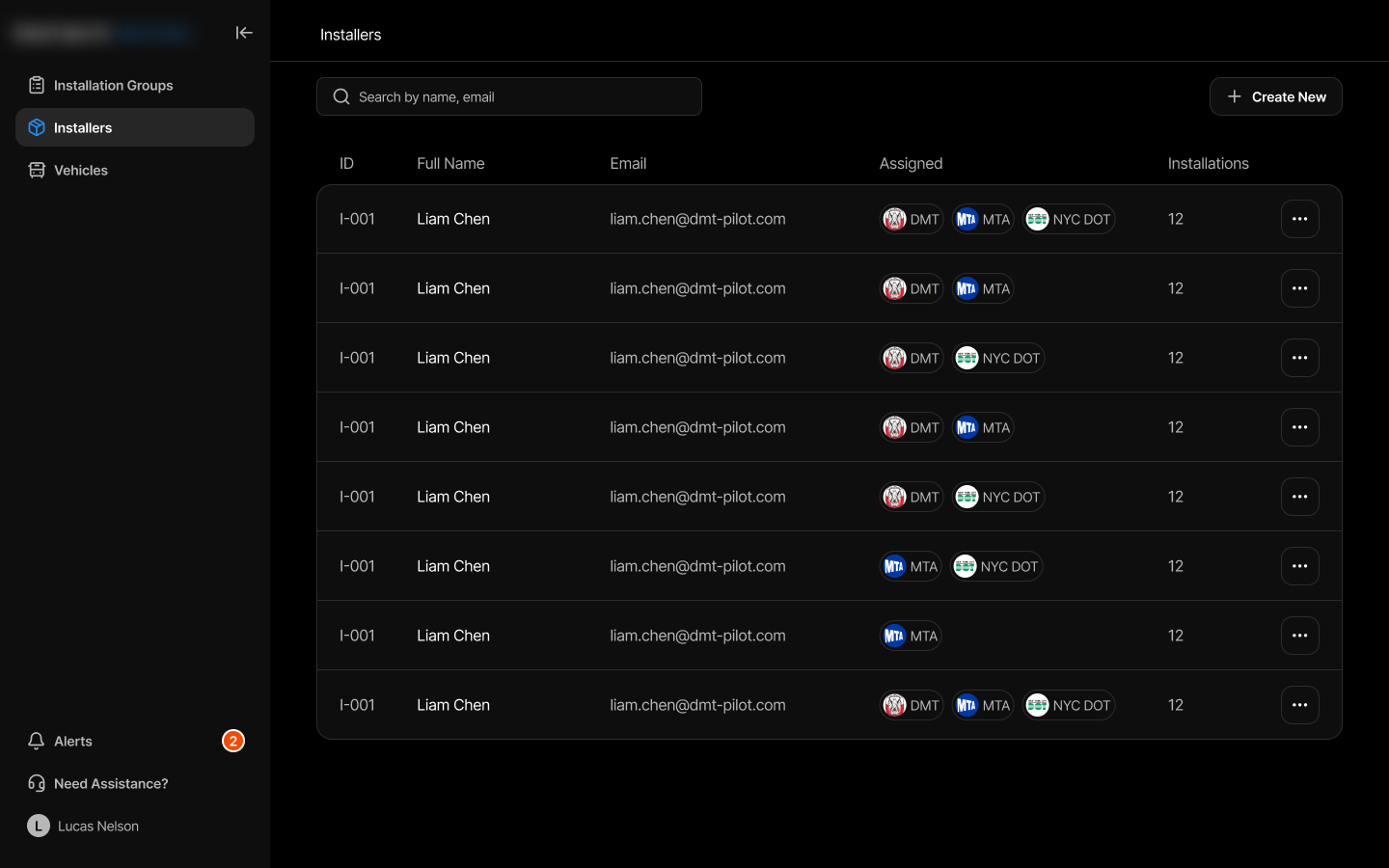
Product: an internal tool for tracking the installation process of smart cameras and devices onto vehicles. Managers monitor installation status broken down by client company, vehicle type, and installer teams.
Installation data was scattered across different places: each section lived on its own. Everything needed to be brought into a single portal with three connected modules:
- installation groups;
- installer registry;
- assigned transport.
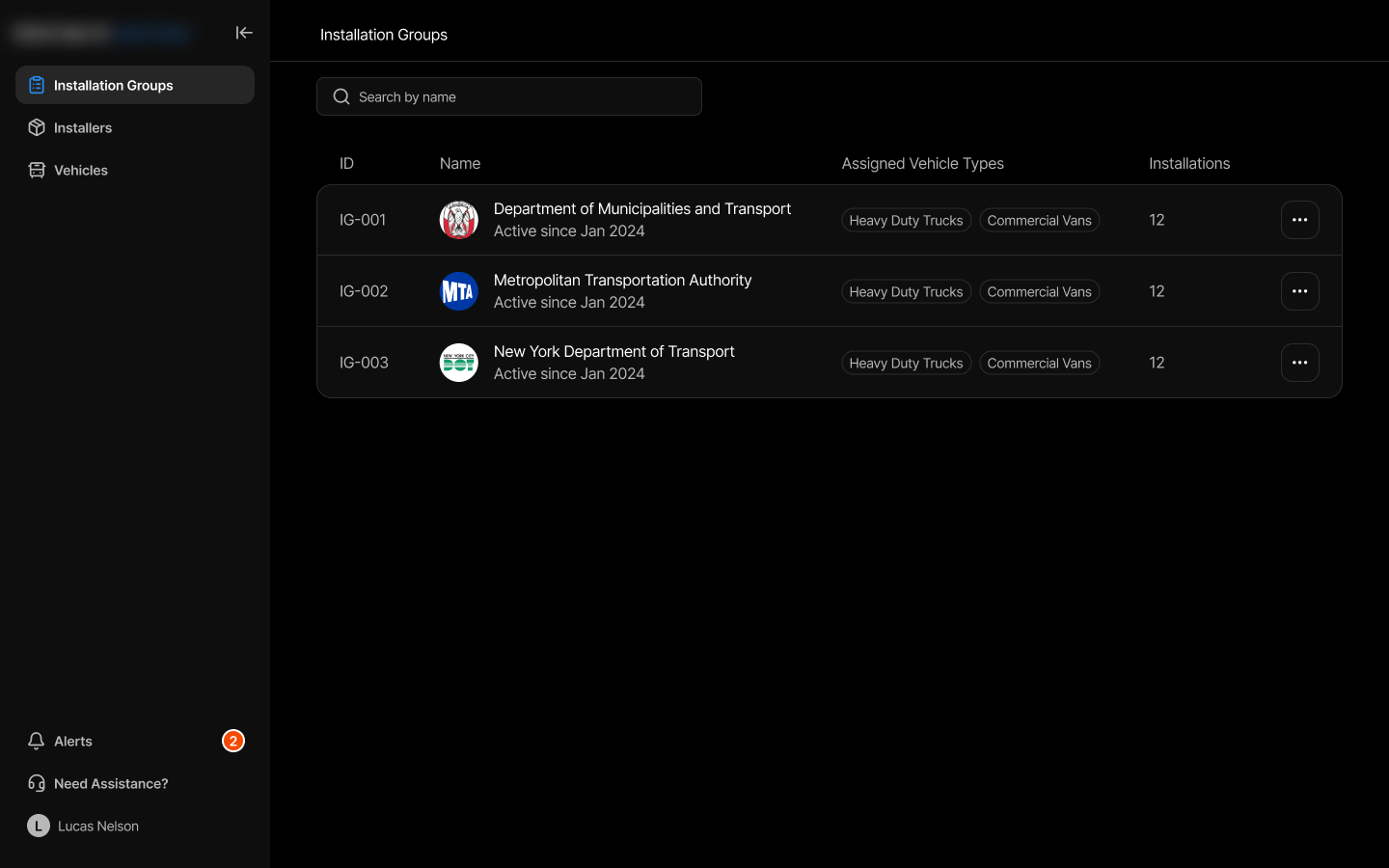
Installation groups. A summary list: client, vehicle type, status, unit count, with filters by status and company. I chose a table: it's easier to aggregate and filter with, and however many rows there are, nothing gets lost.
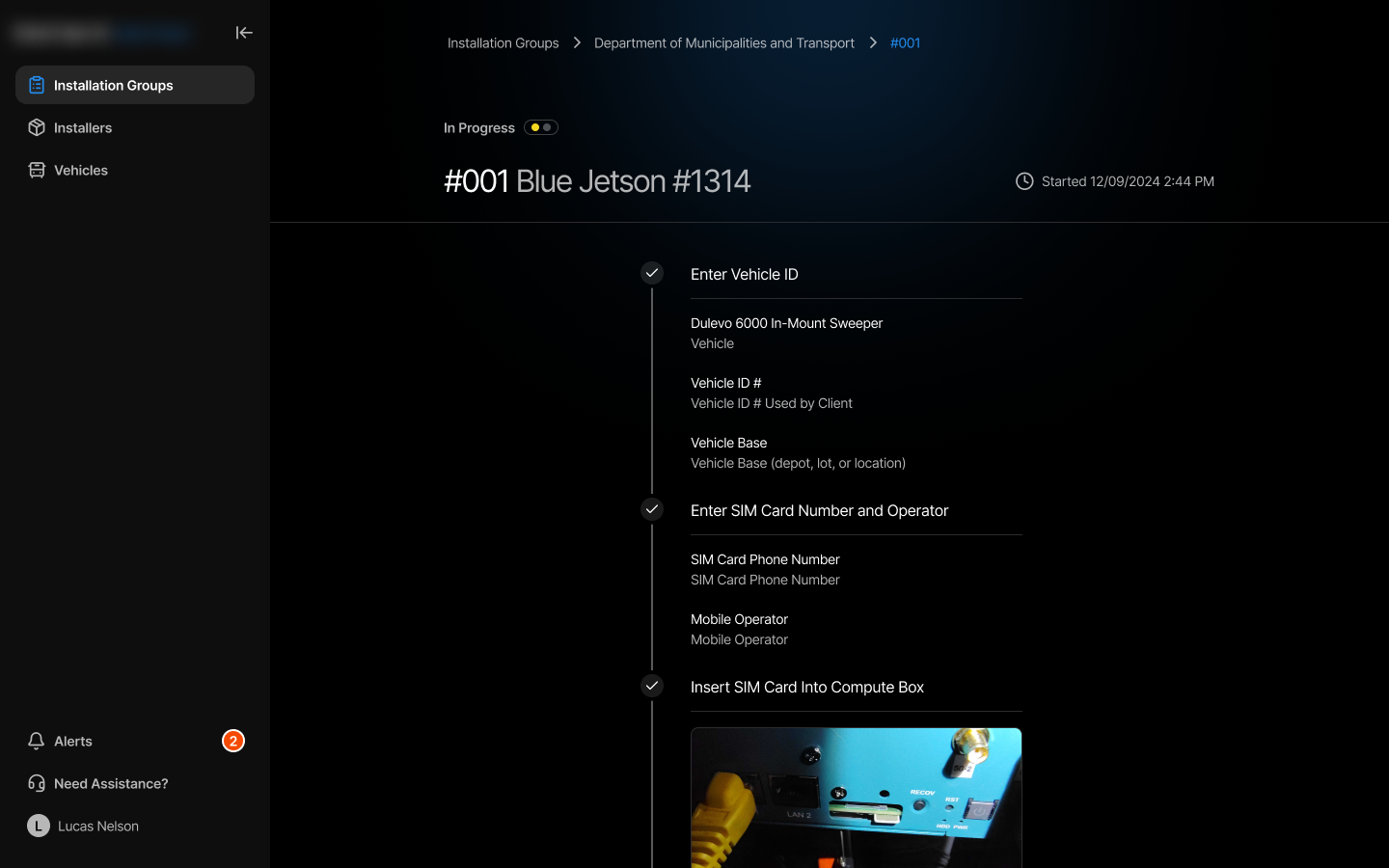
Installation details. Straight from the list into a specific installation: installers, status per vehicle, date, client department. I built this as a vertically stretched timeline: the pattern is familiar, stages run one after another, and you can scroll to see what's already done.
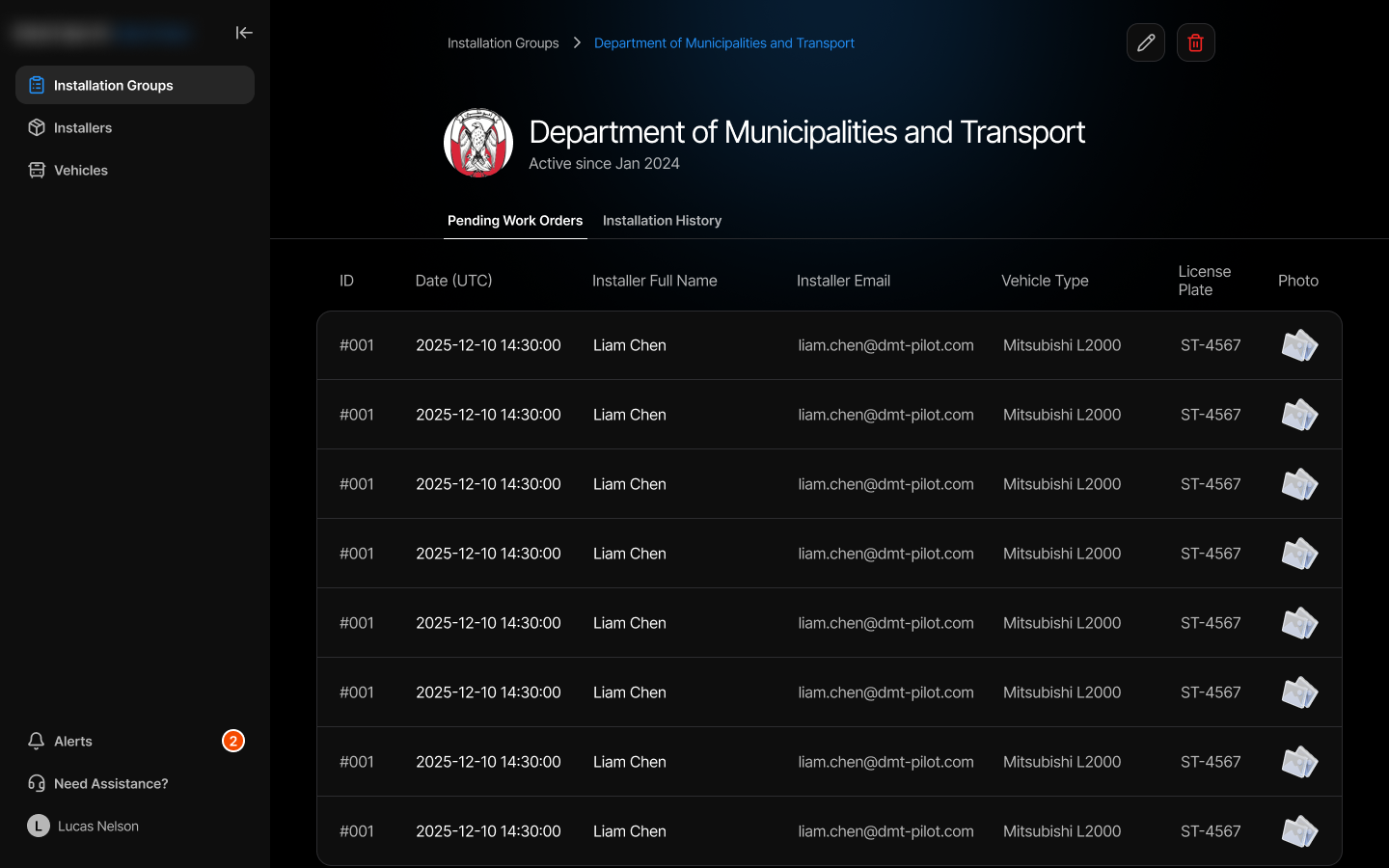
I gathered all of a specific department's installations in one place, so there's no need to flip through them one by one.
I built an installer registry with search by name, status, number of active assignments, and company, so the right installer can be found in seconds. Clicking a row opens the profile.
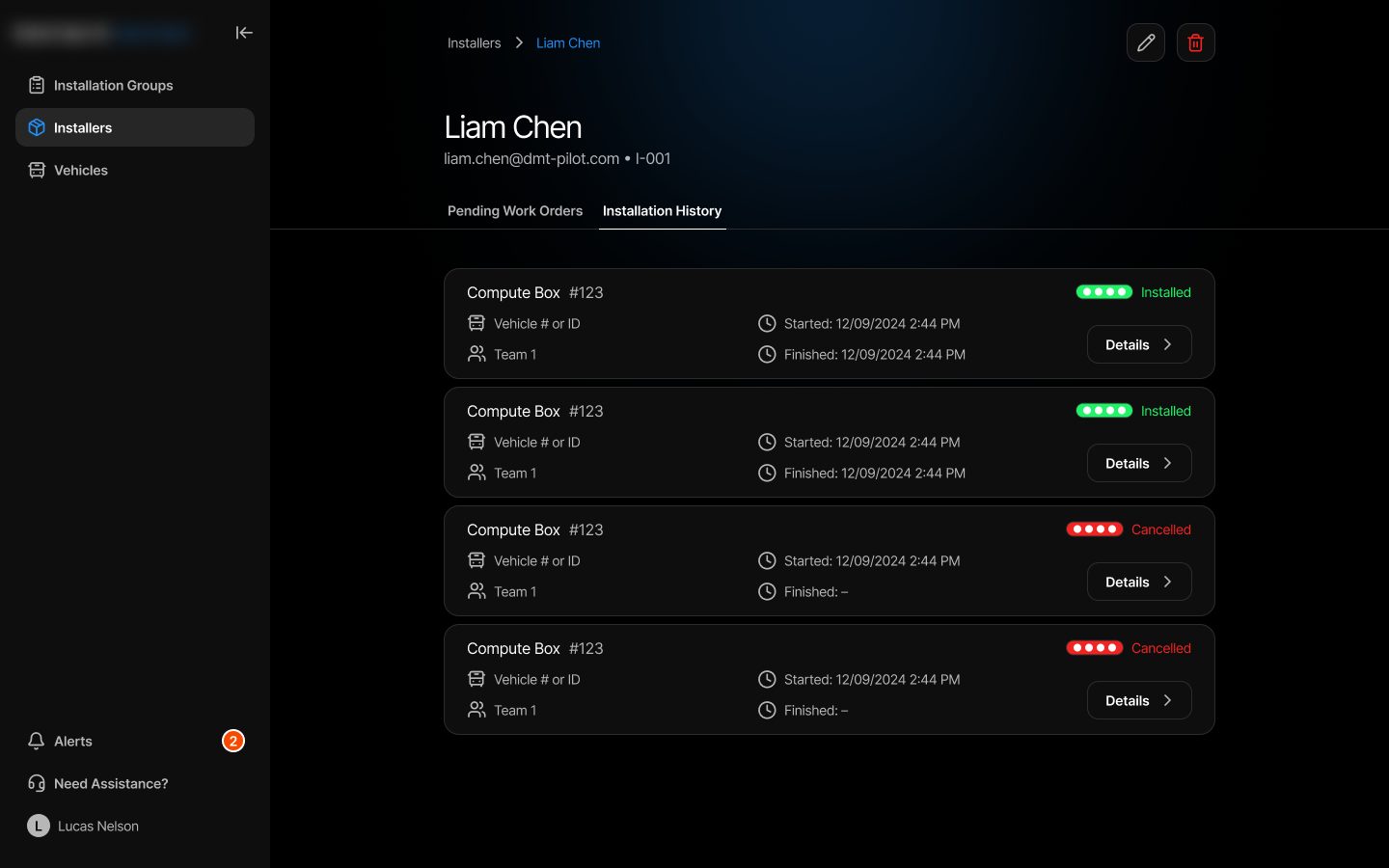
I gathered the installer's full history and current workload in one profile (assigned vehicles, groups, contacts), so none of it has to be requested piece by piece.
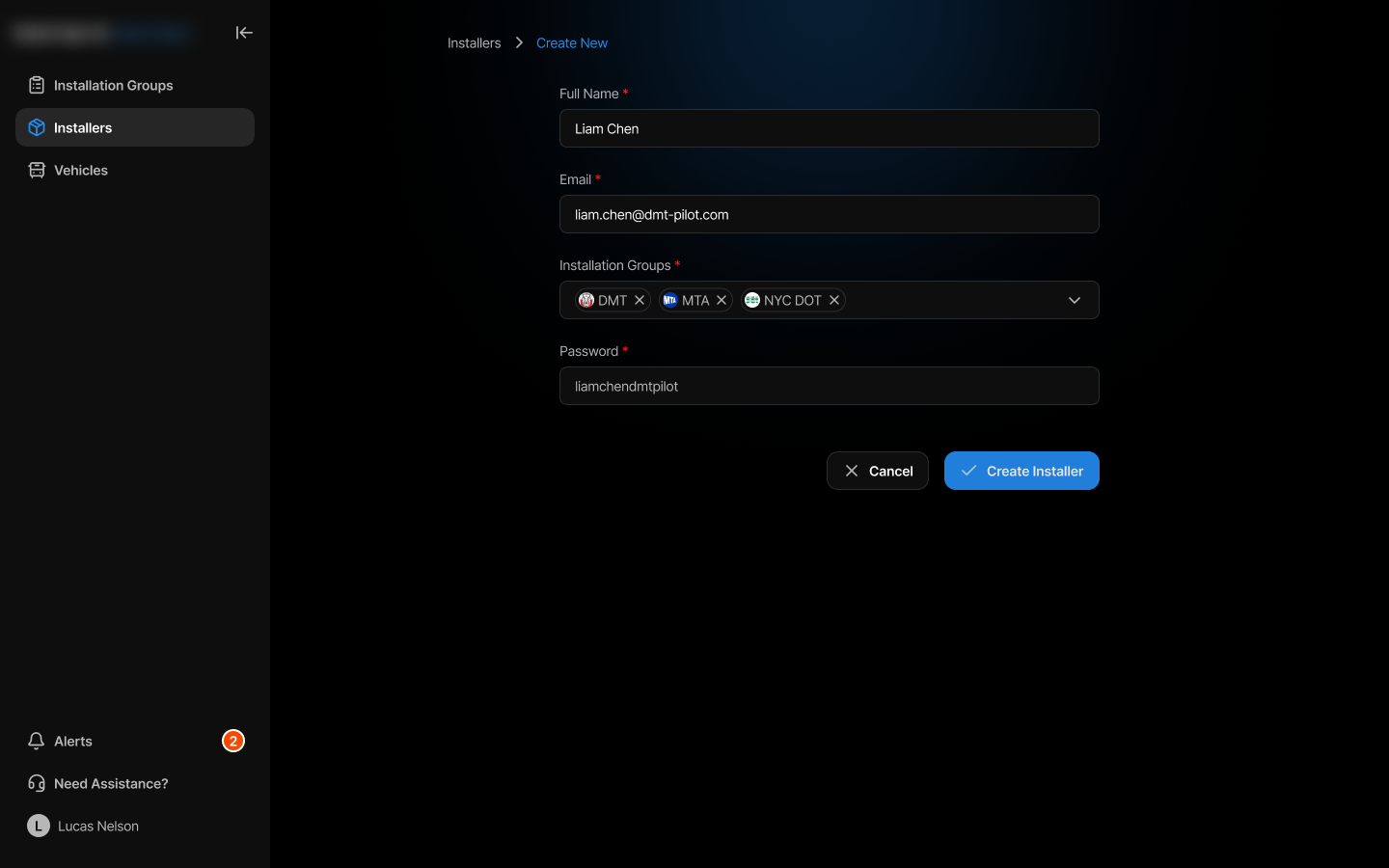
I made the creation form structurally identical to the profile: the same pattern for reading and writing, nothing new to learn.
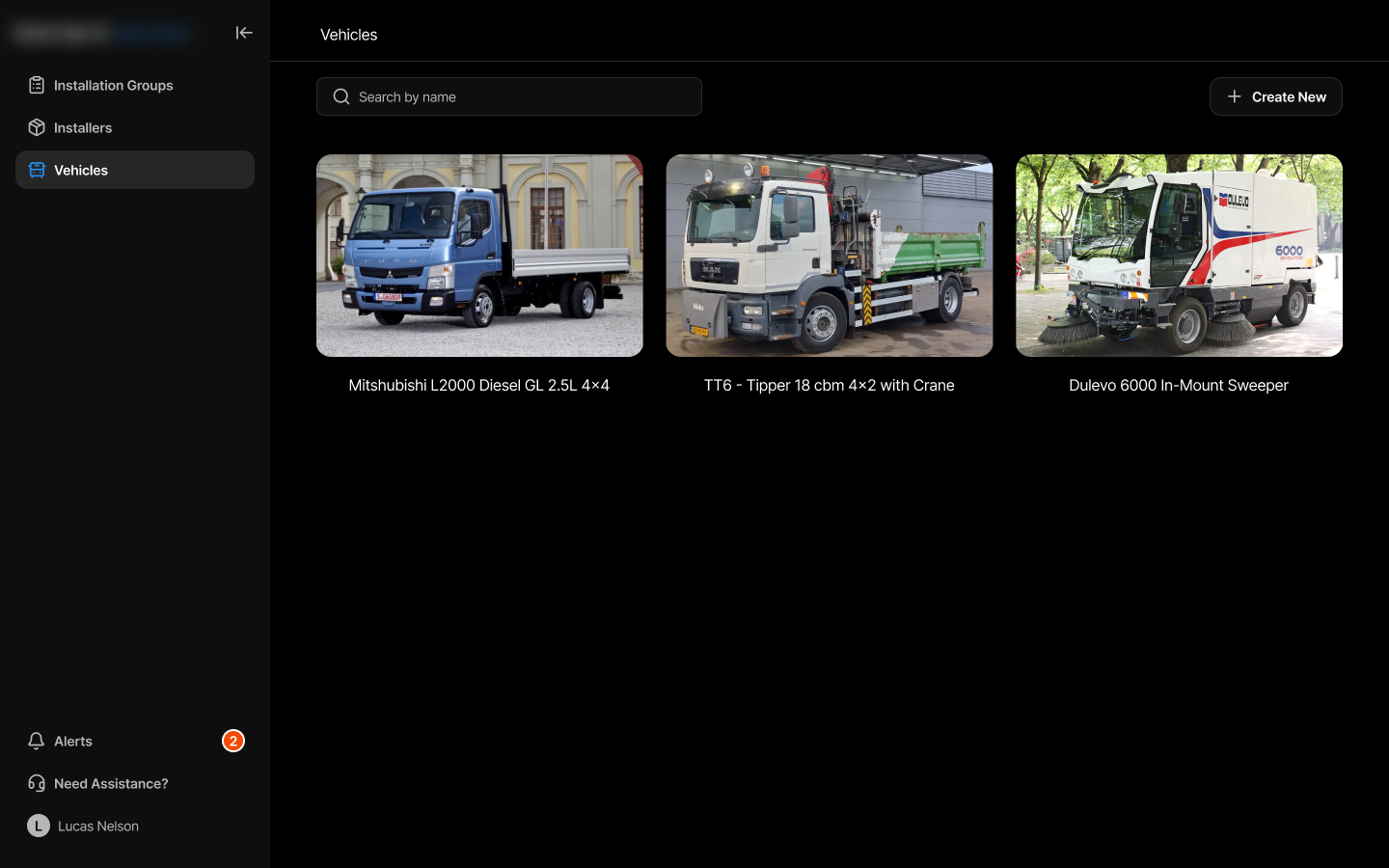
Vehicles. A vehicle list: type, plate number, installation status, assigned installer. Here I chose cards over a table: it matters to recognize the model from the picture rather than reading text.
The manager sees all installation groups in one place and filters by status and client.
From any group, jumps into a specific installation's or department's details in one click, without losing context.
Installer registry with search; the profile and creation form use the same structure.
Vehicles of different types are shown in a unified format, visually distinguished by a type icon.
The portal fully met the brief: the manager sees all installation groups, filters, and drills into the details of any installation, department, or installer. The structure is the same everywhere.